
 Best Budget gaming build under 400$:
So you want to build a Gaming PC but Cannot afford expensive components.You are a gamer but you do not know much about budget gaming rigs,if YES then you are at the right place!
What are budget builds??

Well! Budget builds are those Gaming PCs which are not expensive as hell like we see on youtube,where people build expensive gaming Rigs like 1000 or 2000$ rig.People thought ,in order to run modern games on high settings with high FPS is only possible by building expensive gaming computers with i7’s or 1080ti’s BUT “THAT’S NOT TRUE”.Here you will find a way to build a great gaming rig which is not expensive as hell but performs like a beast!.
Let’s Start building:
Components you will need:
- PROCESSOR
- MOTHERBOARD/RAMS
- GRAPHICS CARD(GPU)
- POWER SUPPLY(PSU)
- CASE
- Other Components
PROCESSOR:
Core i9 is released but we don’t need that much processing power because it’s totally useless unless our main purpose is not only gaming.Our top budget picks in Pakistan are:
-
Core i5 3470
-
Core i5 3570/k
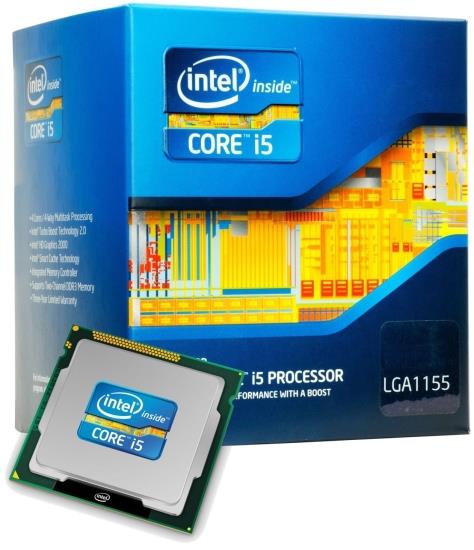
Well these two are CPUs are probably the best price to performance ratio options available right now!,These CPUs are more then enough to run every AAA game on highest settings if paired with a good GPU.Although you can find some pentiums and AMD fx’s but still i5 is a much better and future secure option.Here’s a link to Buy these in Pakistan:
Core i5 3470/3570 is still a good CPU even in 2018.And most importantly these are easily available in Pakistan.You can check the performance of i5 3rd gen in modern games like AC origins,Far cry 5,Battlefield 1 and many more:
MOTHERBOARD/RAM:
-
MOTHERBOARD
A motherboard is one of the most essential parts of a computer system. It holds together many of the crucial components of a computer, including the central processing unit (CPU), memory and connectors for input and output devices.
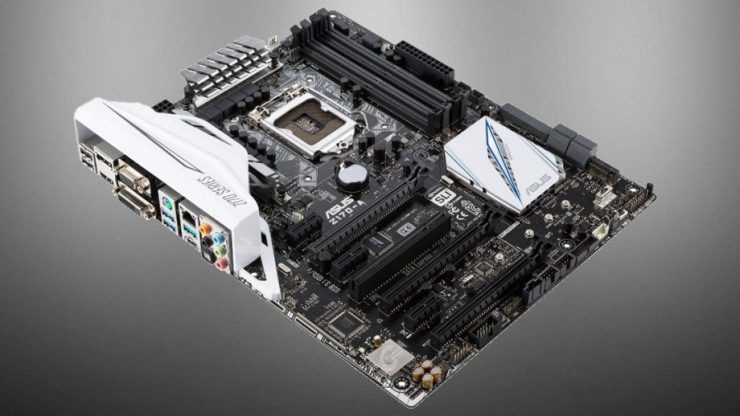
A motherboard is not an expensive component of a PC and in-game performance has nothing to do with motherboard BUT a good quality motherboard with surge protection and long life capacitors is very crucial in order to make sure that our other components are safe.One can find a good motherboard with H61,H67 or H77 chipset for 35-40$.Our top picks are:
-
Asus P8-H61
-
Gigabyte GA-H61
-
MSI H61-E23
These three motherboards are good and easily available in pakistan.One can find one of these in 30-40$.These motherboards have H61 chipset and support 2nd or 3rd gen i3,i5 and i7’s.Here’s a link to buy these:
RAM:

Ram is definitely an important part of a gaming PC when it comes to running high end games which use alot of ram.So in order to run every task of PC properly while gaming atleast 8gb of ram is needed but i’ll suggest you to get 10-12gb ram with 1600 or 1866mhz speed for you because that is a more future secure option.But the question here is what are GAMING RAMS!.Well to be honest rams were not expensive until some companies like G.skill or crossair came out with their gaming sticks which are not that gaming (except their plastic chassis and rgb lighting).
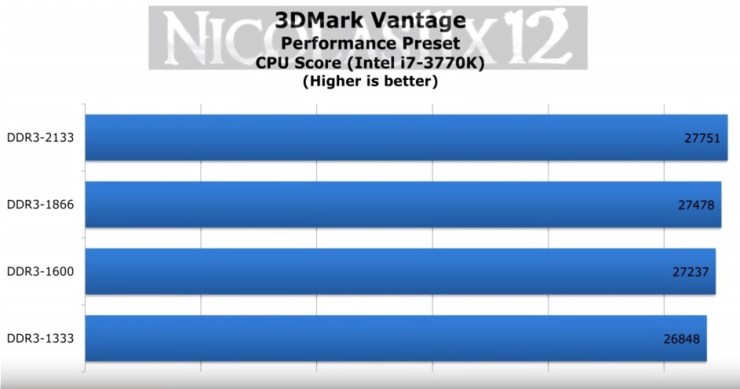
So a “So called”gaming ram with 1866 or 2100mhz speed performs almost same as a normal kingston 1600 or 1866mhz ram. unless you go above 2133mhz.Find out by clicking this link below:
Does ram speed matters in gaming??
GRAPHICS CARD(GPU):
Here comes the most important component of a gaming rig.This is obvious that when a person thinks of a gaming PC,the first thing that comes in his mind is powerful and high end GPU with a lot of VRAM and clock speeds.
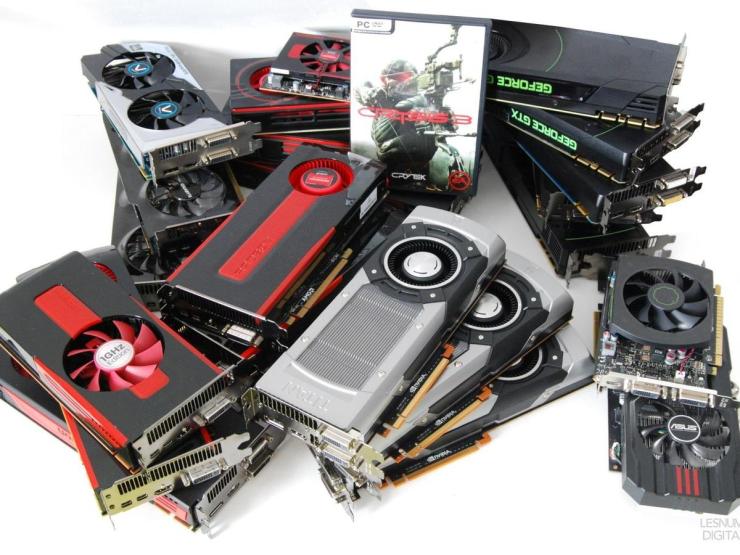
Two companies “NVIDIA” and “AMD” are the GPU manufacturers both of them are good.In the end it all depends on the model and specs of a GPU no matter it is NVIDIA or AMD.As we know games are getting more and more intensive and a GPU with atleast 3-4gb of VRAM is required to run every game in 2018.A powerful gpu for less than 200$ is very difficult to find But we still can buy a used one in Pakistan for less then 190$.Here’s our top budget picks:
-
Nvidia GTX 1050ti 4gb(most preferred)
-
Nvidia GTX 770 4gb
-
AMD R9 280x 3gb
-
AMD Rx 560 4gb(least favourite)
Here you can find their Gaming tests:
GTX 1050ti VS RX 560 Gaming Test
GTX 1050ti Vs GTX 770 Gaming Test
GTX 1050ti vs R9 280x Gaming Test
You can get each of them for less than 190$ (New and used).Click below to BUY
POWER SUPPLY(PSU):
Power supply as it’s name explains it all.It’s purpose is to supply power to every component of you PC.So a good quality PSU(Preferrably 80+) is crucial for the safety of each of the component.
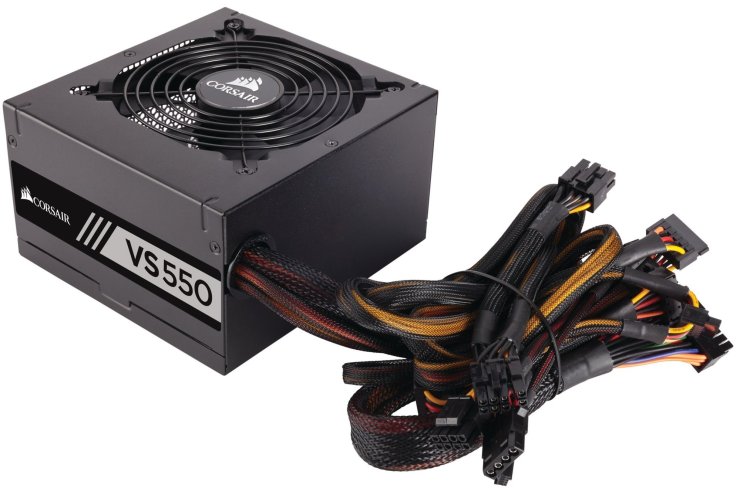
If you are buying a GTX 1050ti or a RX 560 then you will not need a very high watt PSU.Any good quality 500w PSU will work with both of them BUT if you are buying a GTX 770 or R9 280x because for them you need to buy a PSU minimum 650-700watts with 2x (1+6)pin power connectors.A plenty of options are available:
- Cooler master
- ANTEC
- Thermaltake
- Crosair
BUY:
CASE:
You have bought high quality parts with high specs and Now it is time to buy a CASE in which you can fit those parts.
 There are three crucial things that one should consider when buying a case:
1:AIR FLOW
2:LOOKS
3:SPACE
A gaming case has not only looks but the thing that makes it good for gaming is it’s Air Flow and it’s space for installing components.Better will be the air flow less will be the temperature.A lot of companies like NXZT,Thermaltake,Coolermaster,Crosair etc make gaming cases but most of their models are too expensive or not available in Pakistan.So Our top picks for less than 50$ are:
Expensive options(60-70$):
CoolerMaster CM 690
Thermaltake Versa n21/n25
Mid-Range(50$):
CoolerMaster K380 and K350
Crosair Carbide spec-01
Gigabyte SUMO
Cheap options(30-40$):
Thermaltake V2/V3
CoolerMaster CM Elite 333/335
You can buy them for any computer shop or you can buy them online.
Other Components:
- Hard Drive(necessary)
- DVD drive
OPTIONALS:
- SSD
- Case fans(LED or non LED)
- WIFI adaptors
- RGB Lights
HARD DRIVE:
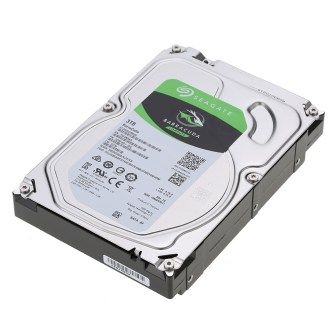
An HDD with a lot of storage is important when it comes to storing games,So you can buy a 1TB or more storage drive of Seagate,Baracudda or Western digital as per your requirment.Here you can buy them used or new:
BUY:
CASE Fans/Rgb lights:
FANS:
For a gaming PC good Air flow is as important as oxygen for humans.Without proper Air flow components air intake will not be proper.So you can add 120mm or 200mm Led or simple fans in your case to increase air flow.
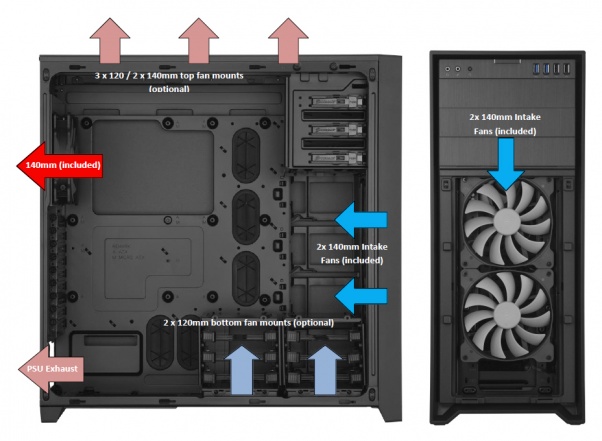
You can buy a 120mm or 200mm LED fan for 05$ from a local computer shop or you can click the link below:
BUY:
LED LIGHTS(Optional):
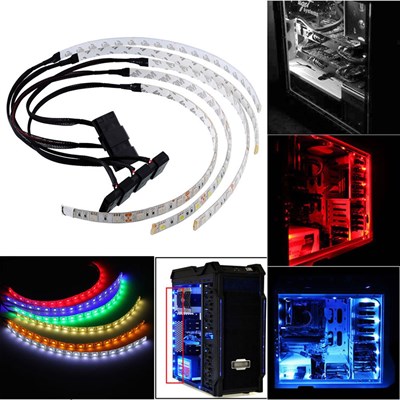
These lights can be added for a cosmetic look.These lights make a PC look like “A GAMING PC”.You can buy these at cheap rates (less than 10$)led strips from any local electrical store OR you can buy them online with a So called name “GAMING LEDS”,the only difference btw them is price.
LOCAL STORE:0.5-0.8$
Online:20$+
SSD(Optional):
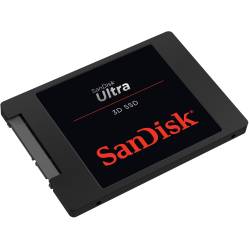
SSD stands for SOLID STATE DRIVE is new high speed storage device.To increase the overall computing speed of a PC SSDs are used to install OS,But the sad thing is “THEY ARE EXPENSIVE”.But you can buy a 32 or 64gb SSD for 30-40$ to install OS only.Although these are available in various sizes.
I hope you liked the guide and it helped you building your first or maybe second Gaming Rig.
For any query you can go to “contact us” menu or you can leave a reply down here:
 Altmash Tech Guides